

ByteShield vs. Traditional PC Utilities
Most PC cleaners bundle third-party adware, inject aggressive upsell pop-ups, and blindly delete registry keys. See how ByteShield replaces bloated legacy utilities with modern, review-first engineering.
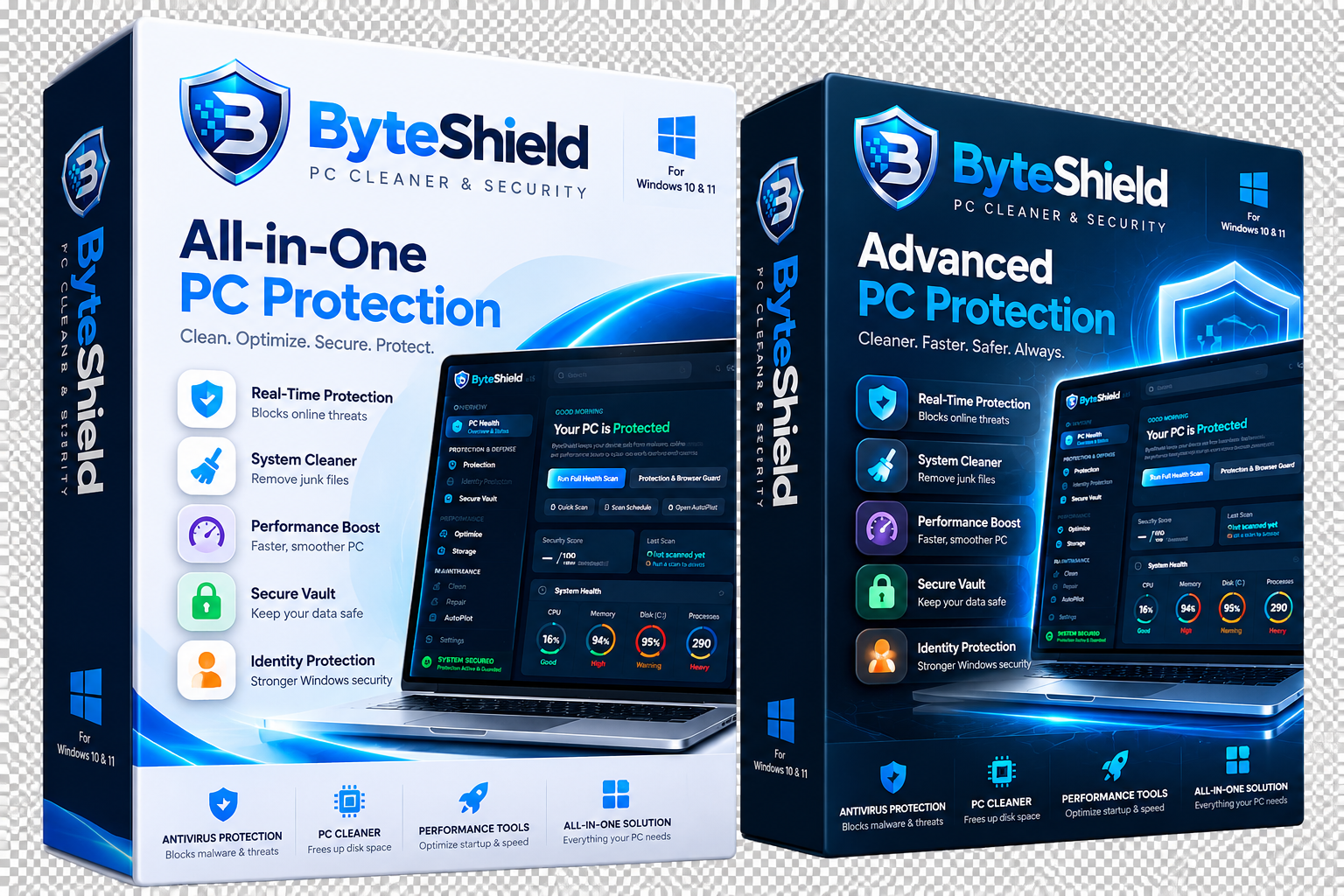
vs. 450MB - 900MB in legacy antivirus suites
Zero bundled toolbars, browser hijacks, or pop-ups
Preview all files before deletion with rollback manifest
Direct 1-on-1 remote assistance from senior engineers
Detailed Capability Comparison
See exactly how ByteShield compares to traditional cleaners and legacy security software.
| Capability & Architecture |
ByteShield
Modern Windows Suite
|
Legacy Cleaners
CCleaner & Clones
|
Bloated Antivirus
Norton / McAfee
|
|---|---|---|---|
|
RAM Footprint & Idle Draw
Active background memory consumption
|
42 MB (Featherlight) | 180 MB - 350 MB | 450 MB - 900 MB |
|
Review-First Cleanup Philosophy
Inspect individual files before deletion
|
|||
|
Real-Time AMSI Antivirus
In-memory script & heuristic threat defense
|
|||
|
Anti-Ransomware Canary Traps
Decoy honeypot files to stop mass encryption
|
Paid Add-On Tier | ||
|
Hardware Sensor Telemetry
CPU core temps, NVMe TBW wear, battery health
|
|||
|
Local AES-256 Encrypted Vault
Zero-knowledge encrypted drive for private docs
|
Paid Add-On Only | ||
|
Adware, Bundlers & Upsell Spam
Installer integrity and clean state
|
100% Zero Ads | Bundles 3rd-party toolbars | Constant pop-up upsells |
|
Automated Windows DLL & DISM Repair
Native component store and SFC automation
|
|||
|
24/7 Dedicated Support Concierge
Direct remote assistance for software & hardware
|
Available (1-on-1 VIP) | FAQ Forum Only | Automated Bot Phone Tree |
Why ByteShield Is Architecturally Superior
Four foundational reasons why power users and businesses choose ByteShield over legacy suites.
1. Native C++ Engine vs. Bloated Electron/Java
Legacy tools wrap multi-hundred-megabyte web frameworks that consume excessive RAM and heat up CPUs. ByteShield compiles natively for 64-bit Windows, executing scans in milliseconds with a strict 42MB memory ceiling.
2. Review-First Safety vs. Blind Registry Hacks
Old cleaners promise "1-click fixes" that blindly delete thousands of registry keys, breaking Office licenses and Windows services. ByteShield displays every single candidate file for review and automatically backs up changes before applying them.
3. Real-Time AMSI Hooks vs. 20GB Signature Databases
Traditional antivirus downloads tens of gigabytes of obsolete virus definitions daily. ByteShield uses native Windows Antimalware Scan Interface (AMSI) hooks and in-memory behavioral heuristics to catch zero-day attacks without disk thrashing.
4. Certified Senior Engineers vs. Automated Chatbots
When you have a difficult PC problem, legacy providers make you navigate endless robot phone trees. ByteShield connects you with a dedicated senior engineer in under 60 seconds for live 1-on-1 assistance via encrypted screen-share.
Frequently Asked Comparison Questions
Answers to key architectural, performance, and compatibility questions.
Traditional antivirus products inject heavy network filter drivers into every web connection and scan every file read with synchronous blocking I/O. ByteShield hooks natively into the Windows Antimalware Scan Interface (AMSI) and operates asynchronously with an ultra-lightweight 42MB footprint, never inducing frame drops or CPU throttling during games or rendering.
Yes. ByteShield registers cleanly through standard Windows security provider interfaces. It can operate as your primary real-time defense or as an agile secondary verification scanner alongside Microsoft Defender without triggering conflicting driver crashes.
Aggressive cleaners delete temporary files based on broad wildcard patterns (*.tmp), which frequently deletes active database journals, recent document histories, and browser sessions. ByteShield categorizes every single file, shows file age, location, and size, and requires your explicit approval before anything is deleted. Furthermore, it automatically creates a rollback manifest for easy restoration.
Never. ByteShield is 100% clean software. Our installer contains zero promotional software, zero search engine hijackers, and zero telemetry data brokers. What you download is strictly the ByteShield application binary, verified by an EV DigiCert code signing certificate.
Most tech companies outsource support to third-party call centers reading scripts. ByteShield VIP Concierge connects you directly with certified senior Windows systems engineers who troubleshoot wireless printers, desktop email synchronization, driver conflicts, and OS stability in real time via encrypted 1-on-1 screen-share sessions.
Yes. You can install ByteShield on a 7-day free trial and run our on-demand scanner, hardware diagnostics, and storage treemap alongside your current software. Once you see the performance difference, you can cleanly uninstall your old tools.
Experience the ByteShield Difference Today
Download the free 7-day trial. Zero adware, zero bloat, and total transparency for your Windows PC.