

Local AES-256-GCM Secure Encrypted Vault
Lock your most sensitive tax filings, commercial contracts, and private spreadsheets inside a military-grade encrypted virtual container. Operates strictly on your physical SSD with zero cloud exposure or remote key escrow.
Hardware-Accelerated Folder Encryption That Never Touches the Cloud
Cloud storage providers can be breached, subpoenaed, or locked behind vendor lock-in. ByteShield Secure Vault creates an encrypted volume directly on your Windows partition using native CPU AES-NI instructions.
When unlocked, it mounts seamlessly as a secure folder or drive letter. When locked, the container collapses into an impenetrable cryptographic blob, completely invisible to unauthenticated Windows users and ransomware scrapers.
- Cipher Algorithm AES-256 in Galois/Counter Mode (GCM)
- Key Derivation Function PBKDF2-HMAC-SHA512 (600,000 Rounds)
- Initialization Vector (IV) Unique 96-bit Cryptographic Nonce per Block
- Memory Scrubbing Hook RtlSecureZeroMemory on Lock Event
Built for Maximum Local Confidentiality
Engineered from the ground up to prevent file-locking malware, physical laptop theft, and unauthorized desktop access from exposing your records.
Authenticated GCM Integrity Checks
Unlike basic CBC mode encryption, Galois/Counter Mode (GCM) computes an authentication tag for every block. If an unauthorized process or disk corruption alters a single byte inside your vault, decryption halts immediately.
Zero Pagefile Leakage & RAM Scrubbing
Keys are held in non-pageable memory (`VirtualLock`) to prevent Windows from writing plaintext encryption keys to the disk swapfile (`pagefile.sys`). Upon manual lock or screen idle, memory buffers are explicitly zeroed.
Ransomware Armor for Protected Folders
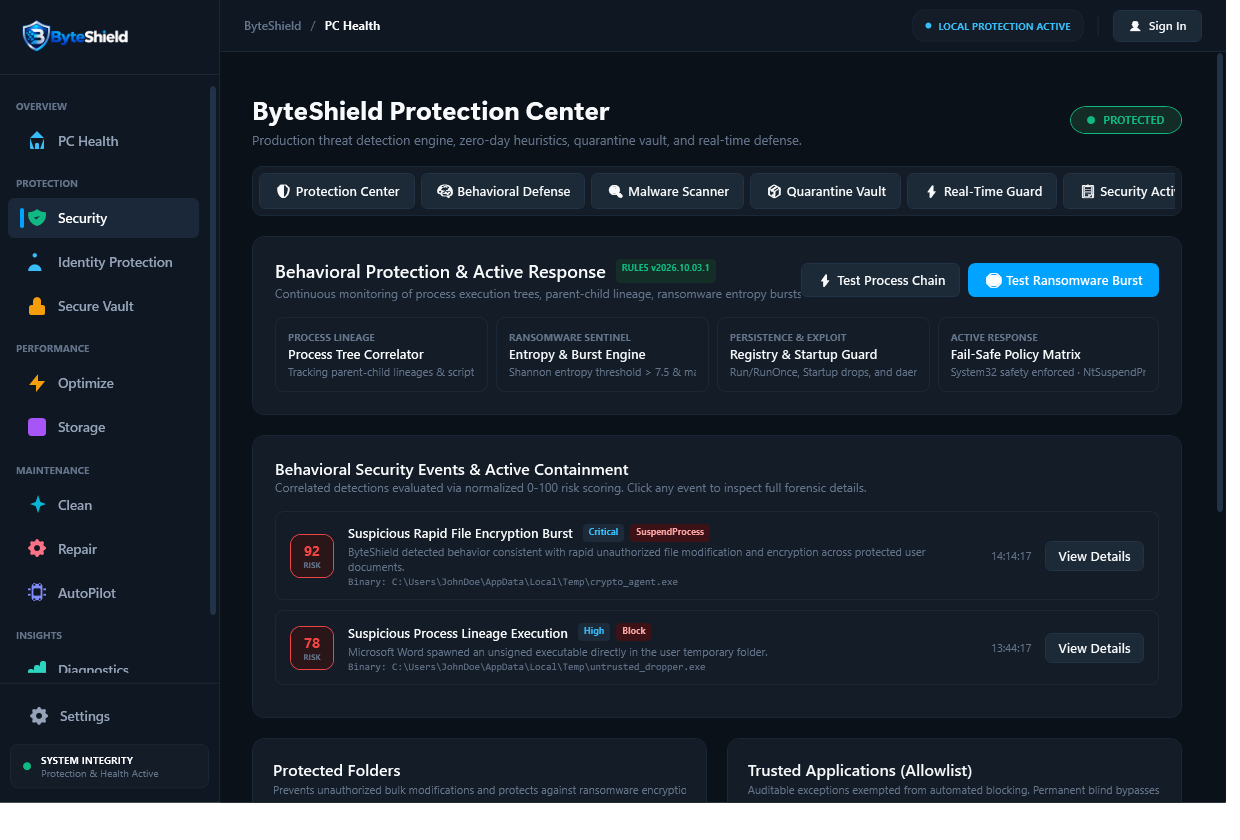
Designate critical document directories under ByteShield Protected Folders. Any unverified or unsigned executable attempting to rename, overwrite, or encrypt files within these directories is blocked at the kernel mini-filter driver layer.
How to Protect Files with ByteShield Vault
Creating and securing your confidential archives takes less than 60 seconds with no complex disk formatting required.
Define Vault Container
Select your storage drive and allocate desired capacity. ByteShield creates a single, portable `.bsv` encrypted container file.
Set Master Passphrase
Provide a master passphrase. ByteShield runs 600,000 PBKDF2 iterations to synthesize an unbreakable 256-bit AES master key.
Store Sensitive Files
Mount the vault and drag in PDFs, spreadsheets, scans, and passwords. Files are encrypted on-the-fly as they write to disk.
Auto-Lock on Idle
When you walk away or lock Windows, ByteShield automatically dismounts the volume and purges master keys from RAM.
Frequently Asked Questions About Secure Vault
Answers to key questions regarding data confidentiality, backups, and encryption standards.
Due to ByteShield’s strict zero-knowledge architecture, we do not store, escrow, or transmit your passphrase. There is no recovery backdoor. If you lose your passphrase, the encrypted files inside the vault cannot be decrypted by anyone, including ByteShield support.
When the vault is locked, the container appears as an encrypted binary blob. Furthermore, ByteShield’s folder shield monitors the file system and prevents unverified processes from renaming or appending to `.bsv` files, protecting your archive from double-encryption ransomware attacks.
Yes. Your encrypted vault exists as a standard file on disk. You can copy the locked vault container to external drives, network attached storage (NAS), or cloud backup drives safely because it is already fully encrypted with AES-256-GCM.
No. Modern Intel and AMD processors feature dedicated hardware AES-NI instructions. ByteShield performs cryptographic transformations at multi-gigabyte-per-second bus speeds, resulting in virtually zero discernible latency when opening documents.
ByteShield invokes the Windows API `VirtualLock` on active key memory buffers, instructing the Windows memory manager never to swap that memory page to `pagefile.sys` or hibernation files. Upon locking, memory is immediately overwritten with zero bytes using `RtlSecureZeroMemory`.
ByteShield allows you to create a starter Secure Vault container for free. Advanced multi-vault organization, automated screen-lock triggers, and kernel folder shielding are available in ByteShield Pro and Total Security editions.
Protect Your Most Confidential Records
Deploy unbreakable local AES-256 encryption on your Windows PC today.