

Intelligent AutoPilot Background Maintenance
Keep your PC peak-performing and protected without annoying pop-ups, random reboots, or midday lag. AutoPilot executes antivirus signature updates, temp cache sweeps, and diagnostics strictly when your machine is idle and plugged into AC power.
Maintenance Engineered to Respect Your Workflow
Most PC utilities trigger noisy pop-ups in the middle of Zoom calls or heavy gameplay. ByteShield takes the opposite approach: complete silence.
Using native Windows Session APIs, AutoPilot monitors user input timers and active fullscreen presentation states. The moment you resume typing or move the mouse, tasks yield all CPU and disk resources instantly.
- User Activity Gate (user32!GetLastInputInfo) > 15 min Inactivity Required
- Power State (kernel32!GetSystemPowerStatus) AC Power True • DC Battery Disengaged
- Display State (SHQueryUserNotificationState) Fullscreen / Presentation Mode Suppressed
- Thread Priority (THREAD_MODE_BACKGROUND_BEGIN) Low I/O & Memory Priority Enforced
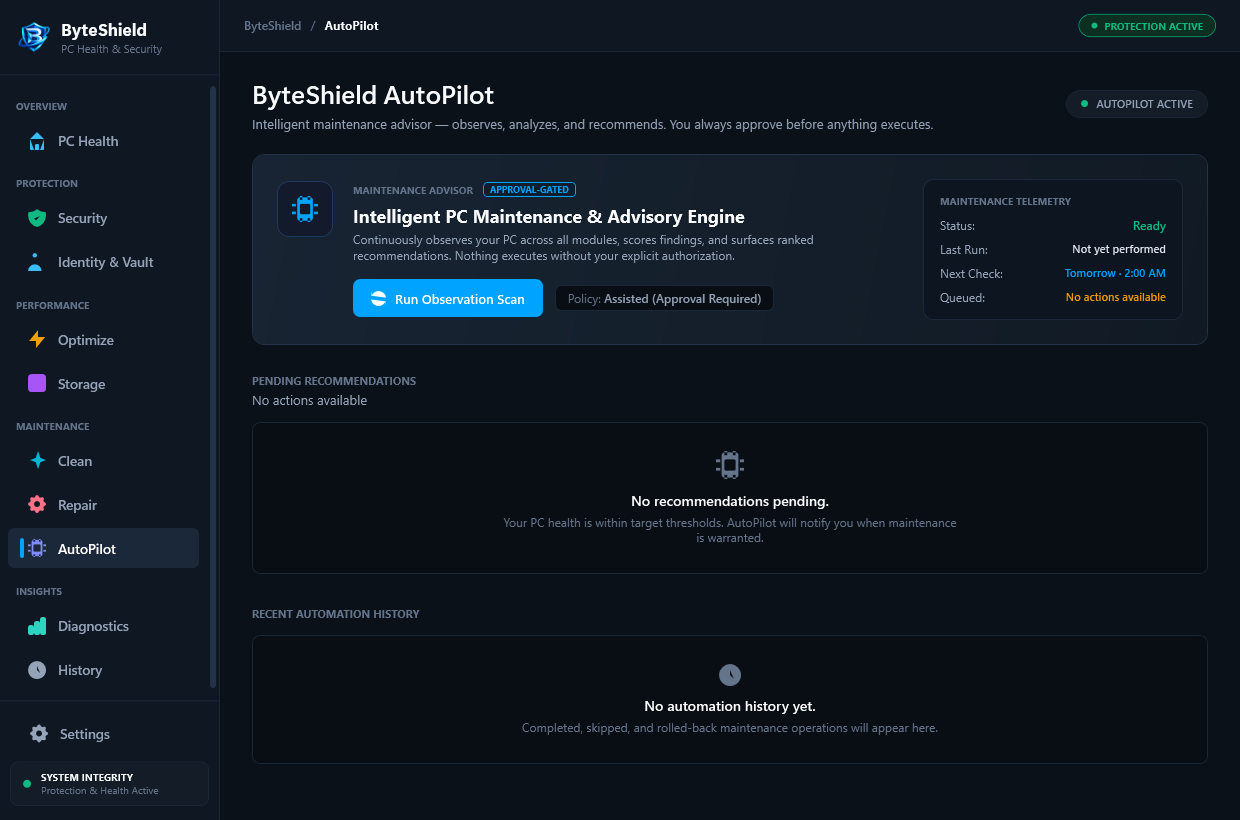
Three Non-Intrusive Engineering Safeguards
Built to run quietly in the background without draining battery life or interfering with demanding software tasks.
Hardware Idle & User Inactivity Checks
AutoPilot monitors the Windows input timer. It requires at least 15 continuous minutes of zero keyboard, mouse, or controller activity before initiating any deep disk sweep or memory optimization.
Battery Guard & Power State Gating
When running on DC battery power, all non-critical maintenance tasks are immediately suspended. ByteShield ensures zero battery drain occurs while traveling or working away from a wall outlet.
Game & Presentation Mode Suppression
Queries Windows Shell notification states. If DirectX exclusive fullscreen mode, PowerPoint presentations, or video meetings are detected, all scans and notifications are silenced automatically.
The 4-Step AutoPilot Execution Pipeline
How ByteShield maintains your workstation silently in the background without causing stutters or lags.
Input Timer Monitoring
ByteShield checks `GetLastInputInfo`. If the workstation is untouched for the configured threshold, maintenance stages begin.
Power & App Inspection
Verifies AC line power and confirms no media players, Zoom calls, or games are running in fullscreen exclusive mode.
Low-Priority Sweep
Executes disk cache cleanup, signature delta updates, and diagnostics in low I/O thread mode (`THREAD_PRIORITY_LOWEST`).
Instant User Release
The instant mouse movement or keystrokes occur, AutoPilot checkpoints state and yields 100% of CPU and disk bandwidth.
Frequently Asked Questions About AutoPilot
Answers to key questions regarding background resource consumption, battery saving, and customization.
No. AutoPilot detects DirectX and Vulkan fullscreen applications through Windows Shell APIs. When gaming, all background maintenance scans are completely inhibited. Furthermore, user mouse movement automatically suspends ongoing scans within milliseconds.
No. AutoPilot requires active AC wall power by default. When your laptop is running on battery power, heavy operations like disk sweeps and deep threat scans are automatically held until you reconnect to a charger.
Yes. In the ByteShield Settings panel, you can configure custom maintenance intervals (daily, weekly, or monthly) and select specifically which modules run: temporary file cleanups, virus definitions, RAM optimization, or storage analytics.
Windows Task Scheduler often executes tasks at fixed clock hours regardless of whether you are actively on a video conference or rendering a video. AutoPilot checks real-time user input states and thread priorities to guarantee zero disruption.
Never. ByteShield will never reboot your computer automatically or display forced restart countdown timers. If a system update or driver repair requires a reboot, it simply notes the recommendation in your dashboard.
No. User idle tracking is calculated strictly using local Windows API counters (`GetLastInputInfo`). No usage timestamps, application names, or keystroke metrics are ever recorded or transmitted off your machine.
Enjoy Effortless, Zero-Interruption Maintenance
Keep your Windows PC in peak condition automatically without annoying notifications.