

Windows System Integrity & DLL Component Repair
Resolve application crashes, missing runtime DLL errors, and corrupted Windows Update components without reinstalling your operating system. Automates Deployment Image Servicing and Management (DISM) and System File Checker (SFC) with guaranteed pre-repair snapshots.
Stop Blue Screens & Broken Updates at the Component Store
When Windows crashes or halts during monthly security updates, the root cause is almost always corrupted manifests inside the Windows Component Store (`WinSxS`). Traditional registry “cleaners” make this worse by deleting vital references.
ByteShield takes an engineering approach: it invokes native Windows Component Servicing APIs to verify cryptographic file hashes against official Microsoft manifests, automatically downloading clean replacement binaries directly from Microsoft Update servers.
- %WINDIR%\WinSxS\Manifests DISM /Online /Cleanup-Image /RestoreHealth
- %WINDIR%\System32\drivers\*.sys SFC /ScanNow Kernel Integrity Audit
- Volume Shadow Copy (VSS) Pre-Execution System Restore Checkpoint
- Win32 Services (wuauserv, bits, cryptsvc) Update Pipeline Handshake Reset
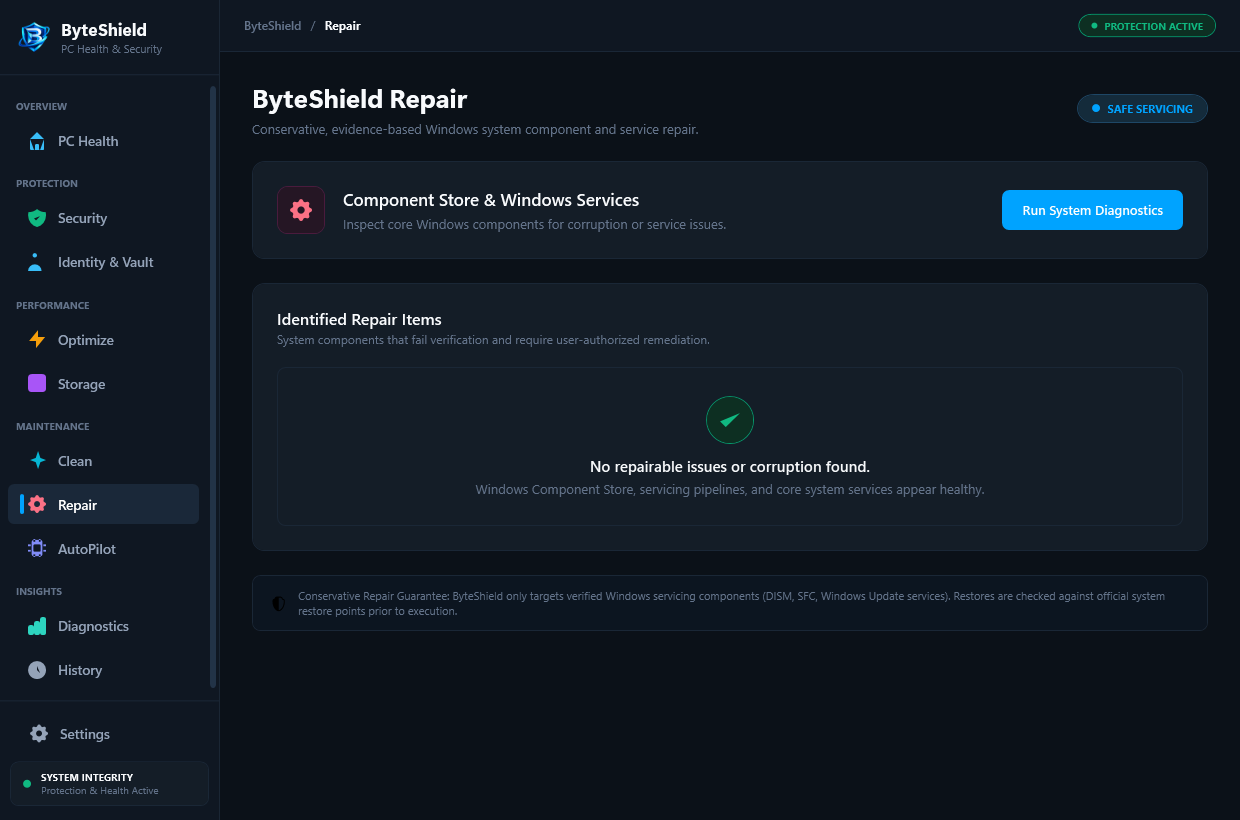
Three Tiers of Built-in Operating System Recovery
From damaged DLLs to stalled Windows updates, ByteShield orchestrates native recovery mechanisms without risky third-party file replacements.
DISM Component Store Reconstruction
Scans the `C:\Windows\WinSxS` manifest directory to locate damaged packages. Automatically pulls valid binary copies from Microsoft Update servers to repair corrupted components without touching your personal files.
System File Checker (SFC) Automation
Compares cryptographic signatures of all protected system DLLs, EXEs, and SYS drivers against known good manifests. Automatically replaces modified or compromised files in a single seamless pass.
Automated VSS System Restore Checkpoint
Before any system repair or optimization begins, ByteShield invokes the Volume Shadow Copy service to create a system restore checkpoint. If any change causes instability, rollback takes just one click.
The Deterministic 4-Step Repair Workflow
How ByteShield restores system health without dangerous manual commands or risky registry cleaners.
Component Health Scan
ByteShield analyzes the Component Store using `CheckHealth` and `ScanHealth` to determine if system files are repairable.
VSS Checkpoint Creation
A fresh Windows System Restore point is committed to disk so your exact pre-repair state is fully preserved.
Store Rebuilding
Corrupted manifests are restored and valid DLLs are staged into `WinSxS` using authenticated Microsoft channels.
Driver & DLL Verification
SFC runs with elevated token privileges to replace damaged binaries in `System32` and re-verifies system stability.
Frequently Asked Questions About Repair & Recovery
Answers to common questions regarding Windows recovery, DLL errors, and data protection.
No. ByteShield Repair & Recovery strictly targets Windows operating system binaries in `C:\Windows\System32` and `C:\Windows\WinSxS`. Your personal files, photos, browser bookmarks, and installed applications are never touched or modified.
Manual DISM commands frequently fail if the Windows Update service is stopped or if the component store has corrupted payload pointers. ByteShield resets prerequisite services, creates a safety restore point via VSS, and provides visual step-by-step progress instead of cryptic command line errors.
Yes. These error codes indicate missing or corrupted files in the Windows Component Store or a desynchronized `SoftwareDistribution` cache. ByteShield repairs the store manifests and cleans corrupted update downloads, allowing Windows Update to complete successfully.
ByteShield allows you to trigger automated recovery scans and restore previous VSS snapshots. If you are experiencing persistent boot issues, our US-based Tier-2 Concierge technicians can guide you through Windows Recovery Environment (WinRE) diagnosis.
Never. Downloading DLLs from third-party websites is a major security hazard. ByteShield strictly repairs DLLs by comparing cryptographic hashes against official Microsoft manifests and sourcing verified replacements directly from Microsoft Windows Update servers.
On a modern SSD, a comprehensive component store check and file integrity scan takes between 2 and 5 minutes. On traditional mechanical hard drives, it may take 10 to 15 minutes depending on disk throughput.
Restore Windows Stability and Peak Performance
Fix corrupt system files, eliminate crash loops, and secure your workstation today.