

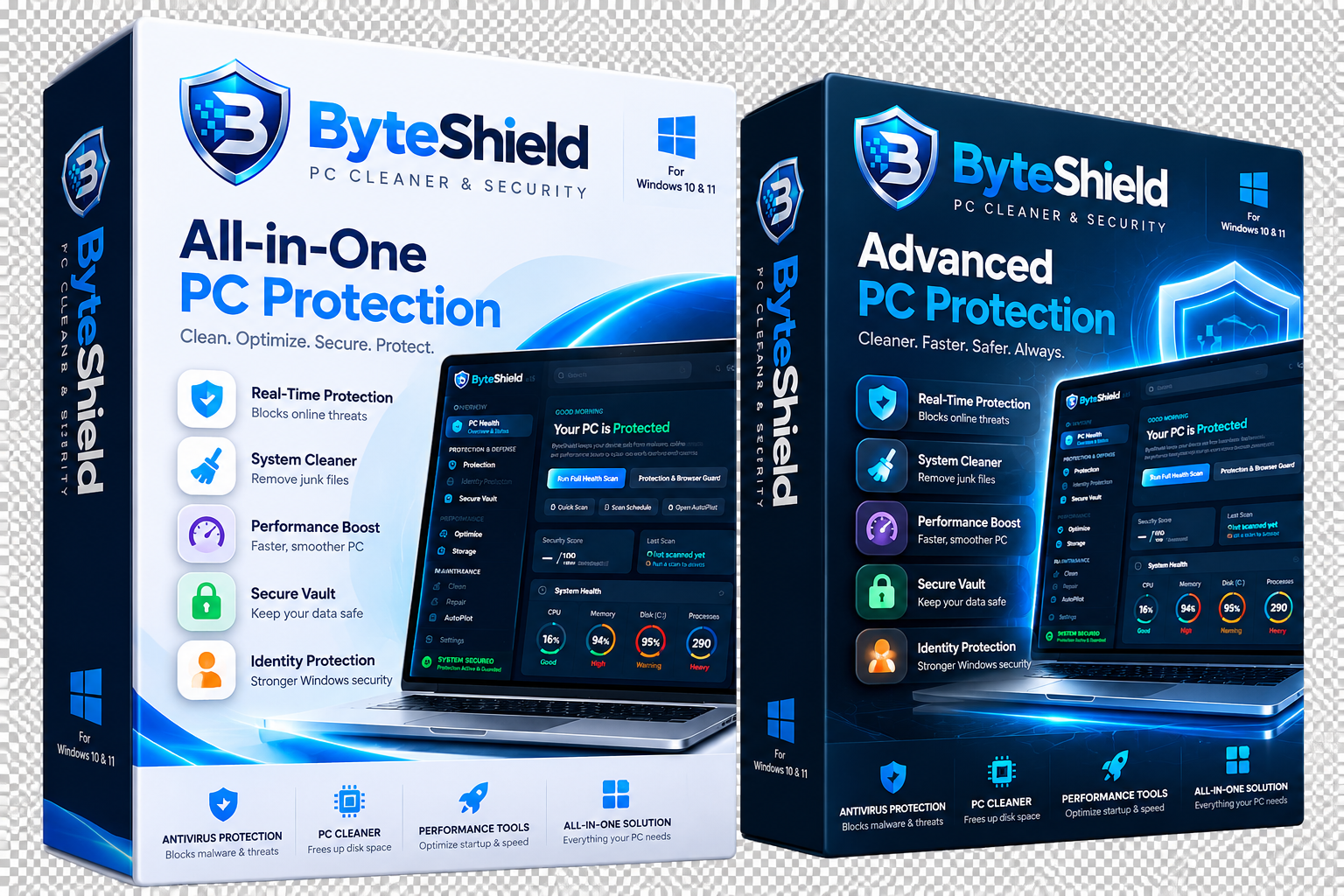
Download ByteShield for Mobile & Tablet
Next-generation hardware-hardened defense for Android smartphones and tablets. Protects against AI voice deepfake extortion, nocturnal background exfiltration, public USB juice jacking, and in-person physical coercion.
ByteShield Mobile Security & Hardware Sentinel
Direct, self-contained Android APK release with zero background battery drag. Safeguards your photos, biometric logins, and cellular identity against advanced physical and acoustic attacks.
🔍 Advanced: View Package Specifications & Checksum (SHA-256)
ByteShield-Mobile-Security.apk
Package Size:
16.8 MB (17,653,426 bytes)
Target Platform:
Android 10.0+ (API Level 29+ / ARM64 & x86_64)
Application ID:
com.byteshield.security
How to Install the APK in Under 30 Seconds
ByteShield Mobile is delivered as a verified direct Android package (.apk) for instant sideloading with zero third-party telemetry.
Download APK Package
Tap the Download Android APK button above. If your browser displays "File might be harmful", tap Download anyway.
Allow Unknown Apps
Open the downloaded ByteShield-Mobile-Security.apk from your notifications. If prompted by Android Settings, toggle Allow from this source.
Arm Hardware Sentinels
Tap Install, then launch ByteShield. Your 7-day trial activates instantly with no account registration or credit card needed.
5 Next-Gen Sentinel Breakthroughs Included
Built from the ground up for modern physical threats and real-time AI scams.
🛡️ Duress Decoy Vault
Coercion PIN opens an authentic decoy profile with benign files while secretly alerting emergency contacts and locking biometrics.
🎙️ AI Voice Sentinel
Acoustic speech analyzer inspects incoming calls in under 350ms to detect artificial voice clones and impersonation scams.
🌙 Midnight Sleep Sentinel
Traps nocturnal background spyware and kills clandestine 3:00 AM data exfiltration sockets while you sleep.
🔥 Burner Canary Tokens
Generate cryptographic honeypot email relays that sound immediate alarms the second a vendor database is compromised.
⚡ Hardware & USB Anti-Tamper
Mutes data-pins at public airport charging kiosks and provides a 1-tap emergency panic button to purge cached RAM tokens.
Mobile & Tablet Hardware Compatibility
Optimized for Android smartphones, folding devices, and enterprise tablets.
| Mobile Component | Minimum Device Requirement | Optimal Hardware Experience |
|---|---|---|
| Android Version | Android 10.0 (API Level 29) | Android 13, 14, or 15 |
| Supported Architectures | ARM64-v8a (64-bit ARM) | ARM64-v8a / x86_64 Tablet |
| RAM Usage & Battery | 2 GB RAM (< 0.3% battery drain / 24h) | 4 GB+ RAM (Real-time acoustic AI coprocessor) |
| Device Root Requirement | None (Standard user-space APK) | Standard Stock OS (Hardware KeyStore supported) |
ByteShield Browser Guard for Chrome, Edge & Brave
Real-time AI phishing sentinels, homoglyph lookalike defense, malicious download quarantine, and administrative master locks. Unpacked Manifest V3 package ready for instant setup.
Frequently Asked Download & Setup Questions
Everything you need to know about SmartScreen validation, Android APK sideloading, license activation, and uninstallation.
Simply click the Download Android APK button at the top of this page. Once downloaded, tap the notification or open your Downloads folder and tap ByteShield-Mobile-Security.apk. If your phone asks permission to install unknown apps from Chrome or your browser, toggle "Allow from this source" and tap Install. No rooting or special cables are needed.
ByteShield binaries are signed with an Extended Validation (EV) DigiCert Code Signing Certificate. If Microsoft SmartScreen displays a notification on brand new version releases while reputation builds, simply click "More info" followed by "Run anyway". You can verify binary authenticity by right clicking the file > Properties > Digital Signatures > ByteShield Technologies Inc.
No. ByteShield Mobile is engineered with privacy-first architecture and runs within the standard Android security sandbox. It never requires device rooting, never collects telemetry, and processes AI voice detection and sensor monitoring directly on your local device without sending audio to the cloud.
On Windows: Open Windows Settings > Apps > Installed Apps > ByteShield > Uninstall. Our uninstaller cleanly removes all binaries and services without leaving stubborn registry keys behind. On Android: Long-press the ByteShield icon on your home screen and tap Uninstall.
Yes. The official setup file downloaded from this page is a self-contained offline installer. It contains all local heuristic engine components and runs without requiring an active internet connection during setup. Internet access is only needed if you wish to activate a paid multi-PC license.
Because no credit card is required to download and test the trial, you will never be automatically charged. When the 7-day period concludes, the app will politely ask if you would like to purchase a license. Your device will not be locked, and your files remain 100% safe.
Start Protecting Your Mobile & Tablet in Seconds
Download the official ByteShield Android APK. Real-time anti-coercion, AI voice clone defense, and zero telemetry.